Master Your Sitting Posture

Comprehensive educational resources to help you understand and apply proper sitting mechanics during computer work

6 Key Topics
15 Min Read
Practical Tips
01

Understanding Neutral Posture

Neutral posture refers to body positioning where joints are neither excessively flexed nor extended, allowing muscles to function with minimal sustained effort during seated computer work.

Key Components of Neutral Sitting

When sitting at a computer workstation, neutral posture generally involves several interconnected elements that work together to support comfortable positioning:

  • Head balanced directly over shoulders with minimal forward projection
  • Shoulders relaxed downward, neither elevated toward ears nor rounded forward
  • Natural spinal curves maintained rather than flattened or exaggerated
  • Arms positioned to allow relaxed shoulder alignment and neutral wrist position
  • Thighs approximately parallel to the floor with hips at similar or slightly higher level than knees
  • Feet fully supported on floor or footrest, not dangling

Individual Variation

There is no single "perfect" sitting position that suits everyone. Bodies vary in structure, flexibility, and comfort preferences. The goal is developing awareness of how you sit and making adjustments that feel sustainable for your individual needs and body type.

Illustrated diagram showing proper neutral sitting posture at a computer workstation with labeled body alignment points
Example of neutral sitting posture alignment
02

Spinal Alignment Fundamentals

The human spine has natural curves that help distribute load and absorb shock. Understanding these curves informs how we approach sitting posture.

The Three Natural Spinal Curves

Your spine features three distinct curves when viewed from the side:

Cervical Lordosis

A gentle forward curve in the neck region that supports head position and allows comfortable viewing angles.

Thoracic Kyphosis

A backward curve in the upper back that provides structure for rib cage attachment and shoulder blade movement.

Lumbar Lordosis

A forward curve in the lower back that bears significant load during sitting and benefits from proper support.

Supporting Your Lower Back

Many people tend to slouch or round their lower back when sitting, which flattens the natural lumbar curve. This can shift more load onto passive structures. Strategies people use to support lumbar curvature include:

  • Using chairs with adjustable lumbar support features positioned at belt-line level
  • Placing a small cushion or rolled towel at the small of the back
  • Sitting back fully in the chair rather than perching on the front edge
  • Periodically adjusting position to avoid sustained slouching patterns

Upper Back and Neck Considerations

Forward head posture, where the head projects forward from the shoulders, is common during computer use. This positioning can increase load on neck structures. Considerations include:

  • Monitor placement that allows viewing without excessive neck flexion or extension
  • Developing awareness of head position relative to shoulders throughout the day
  • Taking breaks to change head and neck position periodically
  • Avoiding sustained upward or downward gaze angles
Side view illustration of the human spine showing cervical, thoracic, and lumbar curves with anatomical labels
Natural curves of the spine
03

Movement and Position Variation

Static postures, even "correct" ones, can become uncomfortable over time. The human body is designed for movement, not prolonged stillness.

Micro-Movements

Small, frequent position adjustments throughout the day can help reduce sustained loading on any particular structure. These subtle shifts are easy to incorporate without disrupting work flow.

Examples of Micro-Adjustments

  • Shifting weight from one side to the other
  • Changing leg position or crossing/uncrossing legs
  • Adjusting backrest angle slightly
  • Moving arms and shoulders through gentle ranges of motion
  • Changing where you look (near to far, left to right)
  • Rolling shoulders backward or forward periodically

Macro-Breaks

In addition to small movements, standing up and moving away from the workstation provides more substantial position change and circulation benefits.

Break Strategies

  • Standing or walking every 30-60 minutes
  • Using reminders or timers to prompt regular breaks
  • Combining breaks with other tasks (phone calls, retrieving items)
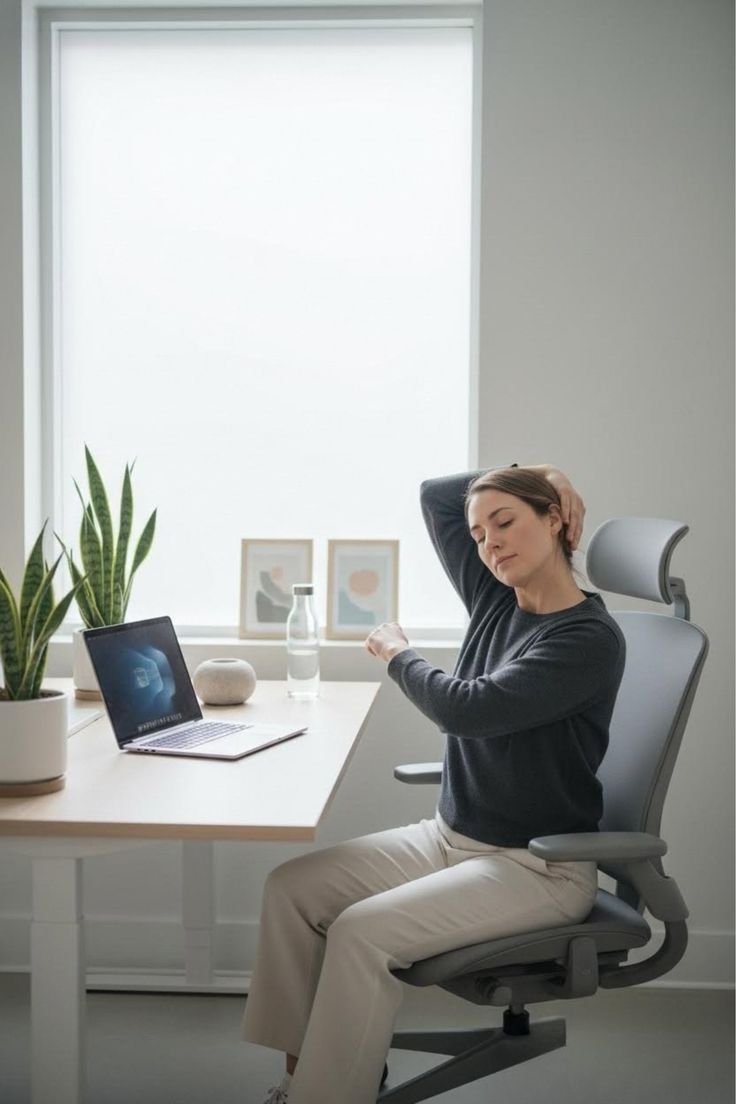
  • Gentle stretching or mobility exercises during breaks
  • Alternating between sitting and standing if using adjustable desk
  • Taking walking meetings when possible

Practical Implementation

Set a recurring alarm or use software that prompts you to stand and move briefly every hour. Even a 1-2 minute break can provide valuable position variation and help maintain awareness of your posture throughout the day.

Important Medical Notice

If you experience persistent discomfort, numbness, tingling, or other concerning symptoms, these may indicate issues requiring professional evaluation. This educational content is not a substitute for medical consultation. Always consult with qualified healthcare professionals regarding any health concerns or before making significant changes to your work setup or habits.